
How to Fix Incompatible Driver Detected: mtkwlex (RZ608 Wi-Fi 6E 80MHz) on FACEIT

If FACEIT shows Incompatible driver detected: mtkwlex (RZ608 Wi-Fi 6E 80MHz), your MediaTek Wi-Fi driver needs an update. Here is how to fix it.
Step 1: Find your Windows version
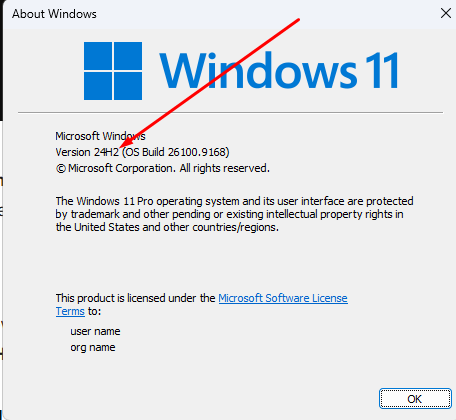
Type winver in Windows Search and open it. Your Windows version is on the second line and looks like 24H2 or 25H2. The number changes with newer releases.
Step 2: Download the driver from the Microsoft Update Catalog
Go to the Microsoft Update Catalog and search for RZ608 followed by your Windows version, for example RZ608 25H2. If you are on 25H2, use this link: RZ608 25H2.
Download the first result, named MediaTek, Inc. Net Driver Update (3.0.1.1338). The Download button is on the right.

Click it, then click the hyperlink in the window that opens.
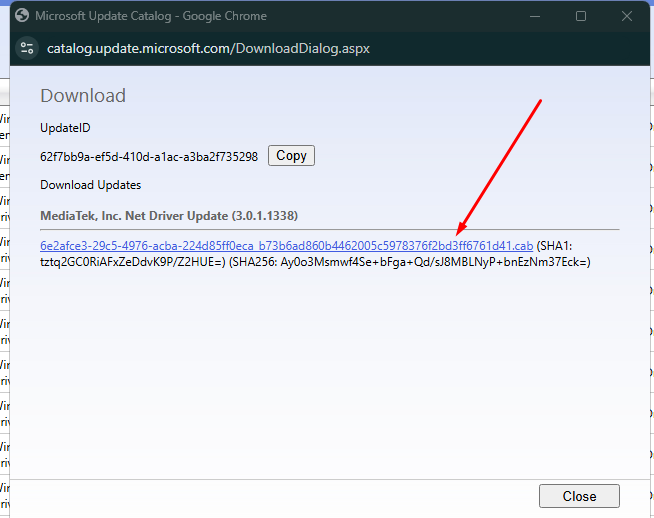
The file will start downloading.
Step 3: Move the file to the C: drive and rename it
When the download finishes, cut the file from your Downloads folder and move it to the C: drive.
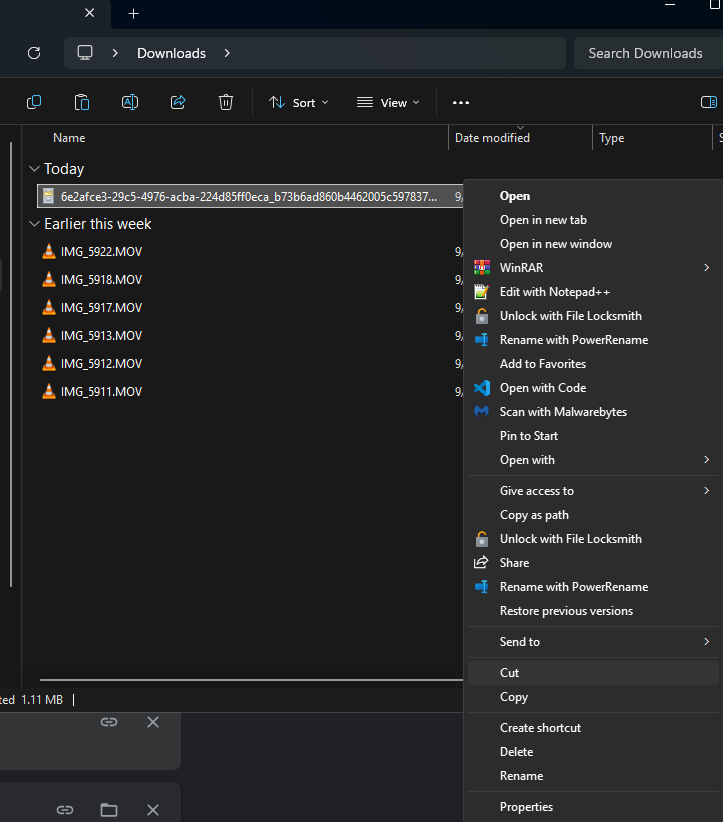
Rename it to driver.cab. If Windows asks for administrator permission, click Continue.
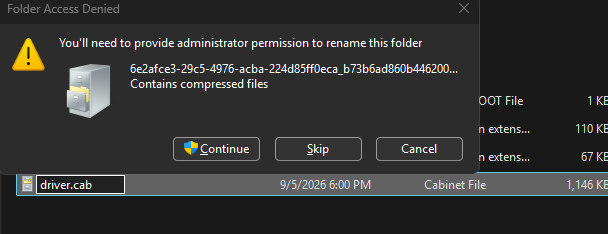
The file should now look like this on the C: drive:
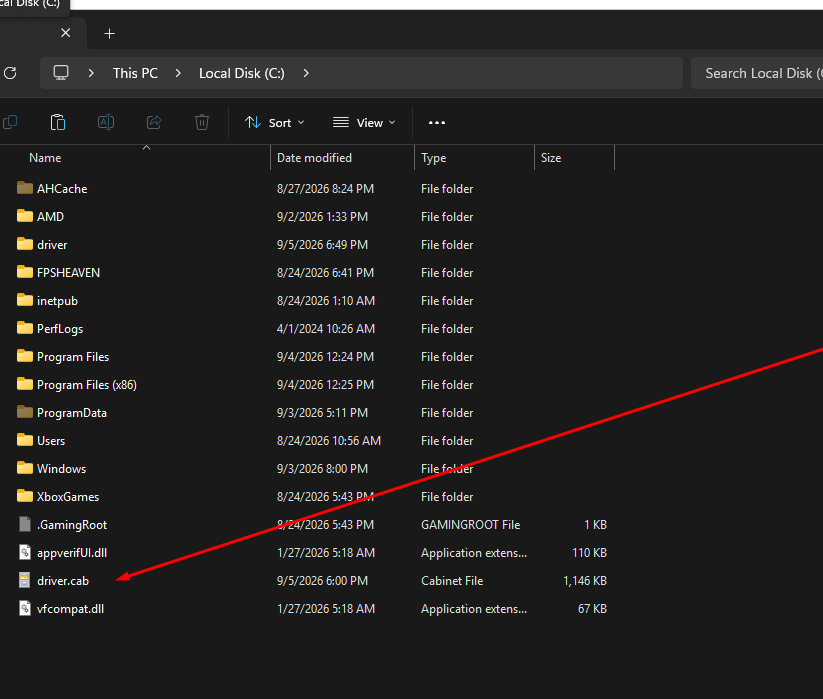
If Windows hides file extensions, name it driver instead, otherwise you end up with driver.cab.cab.
Step 4: Install the driver
Open a CMD window as administrator and paste the following command:
mkdir C:\driver & expand -F:* C:\driver.cab C:\driver & pnputil /add-driver C:\driver\*.inf /install
Press Enter. You will see something like this:
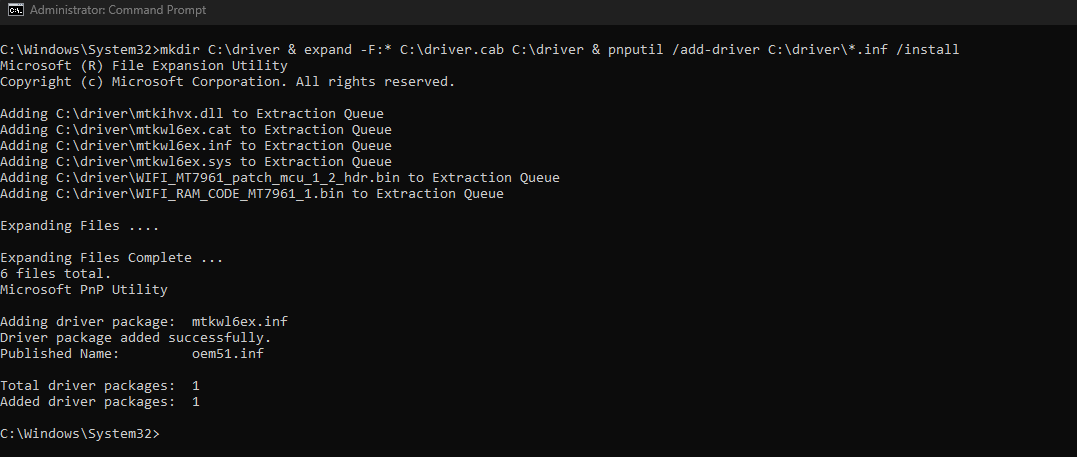
Restart your PC and you are all set.
Related guides: