
· Updated
WMIC Not Recognized on Windows 11: 2 Ways to Fix It
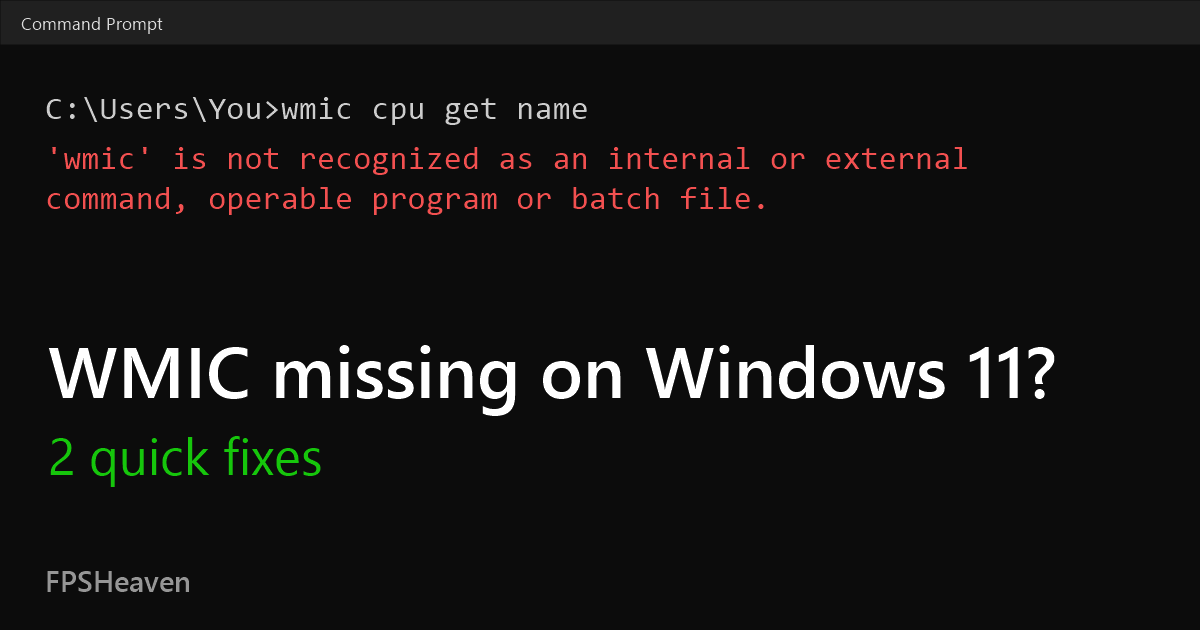
Getting 'wmic' is not recognized as an internal or external command, operable program or batch file? Windows 11 24H2/25H2 updates removed WMIC. Pick one fix.
Fix 1: One-click WMIC installer
- Download WMIC-Restore.zip and extract it.
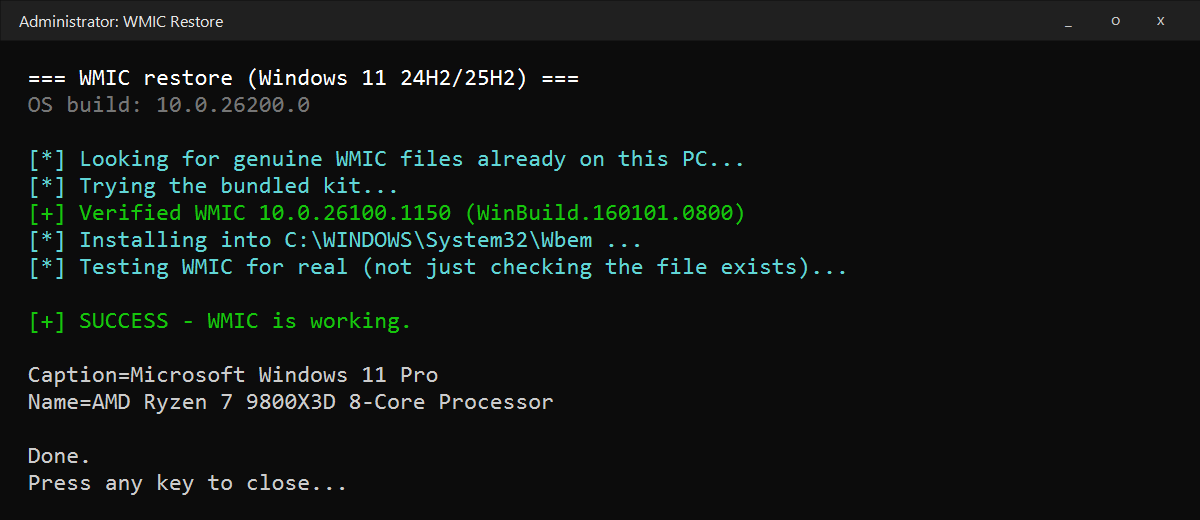
- Double-click WMIC-Restore.exe and click Yes.
The installer is digitally signed.
Fix 2: Restore WMIC with PowerShell
- Download WMIC-Restore-Script.zip.
- Open your Downloads folder, right-click the zip, choose Extract All and click Extract. Keep the default location.
- Click Start, type PowerShell, choose Run as administrator and click Yes.
- Paste these two lines and press Enter:
cd "$env:USERPROFILE\Downloads\WMIC-Restore-Script\wmic-restore"
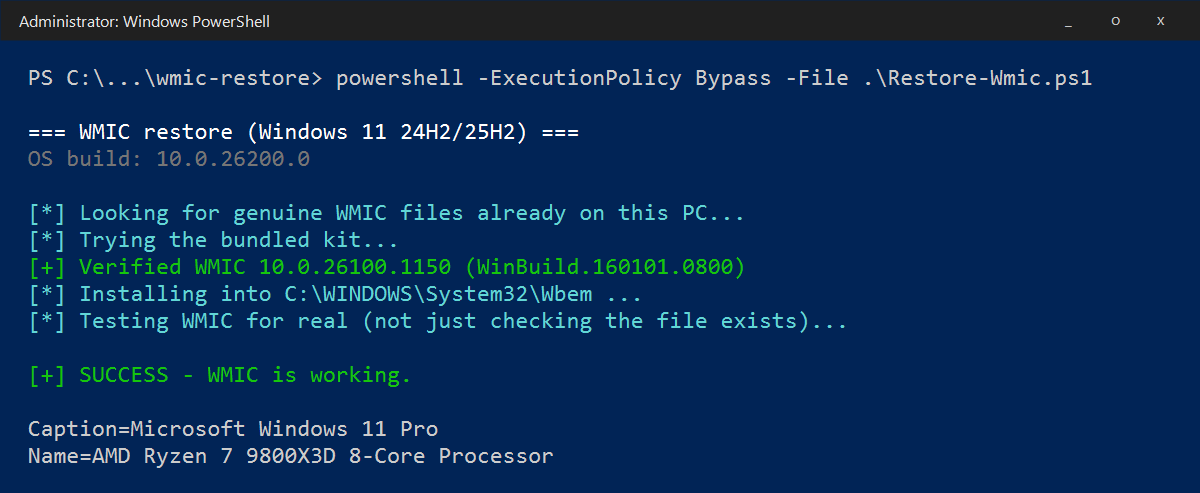
powershell -ExecutionPolicy Bypass -File .\Restore-Wmic.ps1
Wait for SUCCESS - WMIC is working.
Extracted somewhere else? Right-click the wmic-restore folder, choose Copy as path, then type cd, a space, paste with Ctrl+V and press Enter before running the second line.
Check that WMIC works
wmic cpu get name
Related guides: