
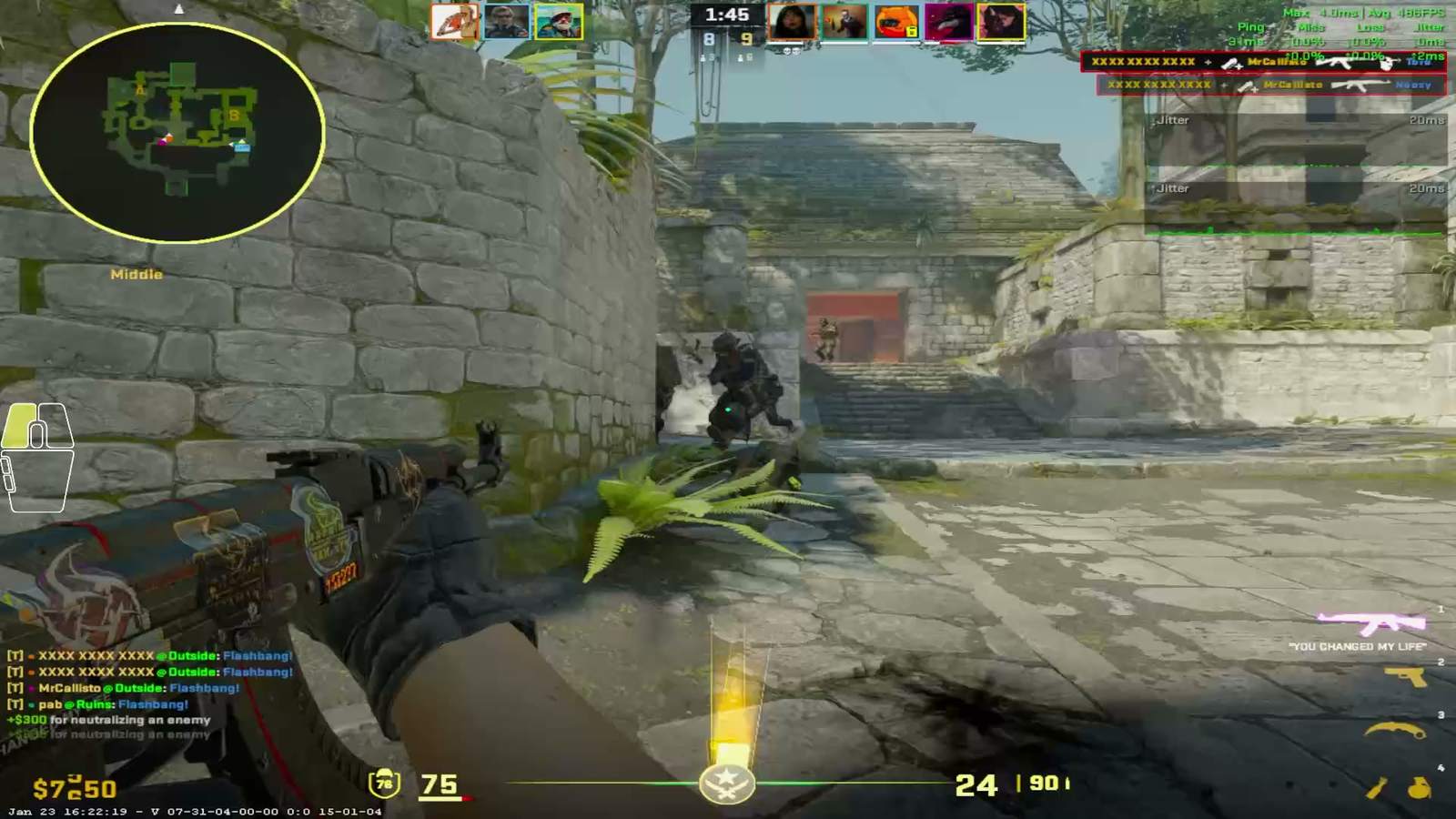
PUBG PC Optimization Service
PUBG optimization service that fixes landing stutter and traversal hitches. Remote storage and memory tuning, BattlEye safe. From a 5 euro evaluation.
Past and current players from these teams chose to work with us




 NAVI
 ENCE










PUBG punishes machines in a way that most shooters do not. The maps are enormous, assets stream in continuously as you move, and the moments with the highest stakes are also the moments with the most objects on screen. Plenty of players with capable hardware still get a stutter on the plane, a hitch when the parachute opens and a frame drop in the last circle.
Our PUBG PC optimization work is aimed squarely at those transitions.
Why gamers choose FPSHeaven
We built the CS FPS Benchmark maps, run by over 1.2 million players, and now the Fortnite FPS Benchmark too. With 16,000+ hours in CS and FPS titles and 3,400+ customers serviced, we know your issues and exactly how to fix them.
That experience goes into every consult. From the shortest fix to the deepest overhaul, we work with you, and we build it around you. We will be with you until the end.
What is the goal?
FPS is only half the story. What actually feels smooth is consistent frame times, the milliseconds between each frame. Spikes and stutters are what break your aim, not the average number. Our tuning flattens those spikes so every frame lands on time. Here's what that looks like.
Read our basic CS2 FPS optimization guide ›Regain your control
When your frames land on time, your aim does too. Take multiple fights consecutively without getting that very big performance tank. Your tuned system helps you regain control faster during the fights and lets you recover faster onto the next target.
How remote PC optimization works
Schedule Your Call
Pick a time that works for you and book your slot. We'll confirm everything before the call and get you set up.
Attend the Meeting(s)
Explain your problem to us and we'll teach you the right solution for your individual case, tailored to exactly how you play.
Enjoy Your Fresh System
Walk away with your system fresh and ready for the next match. Nothing left to blame.
Major Champions
Thanks @fREQUENCYCS for tweaking my pc, it actually tweakin now
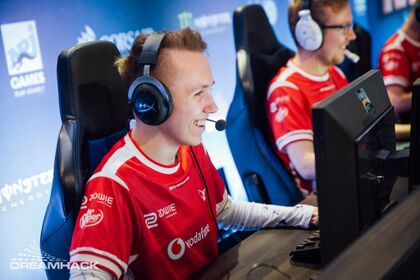 ropz@ropzMajor Champion
Thanks @fREQUENCYCS for setting up my PC, running smooooooth - ready for the thunderpick quarterfinal next weekend 🔥🙏
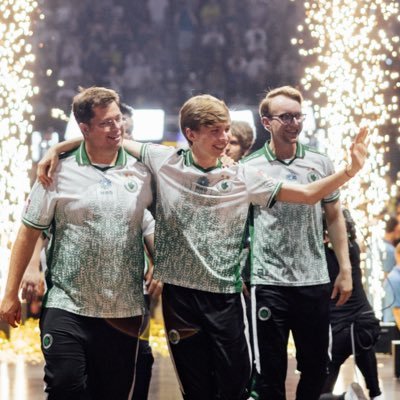 karrigan@karriganCSGOMajor Champion
@fREQUENCYCS just helped me optimize my pc, so now i cant blame anything for being bad anymore. if you need help fixing ur pc or just making it better, reach out to him!
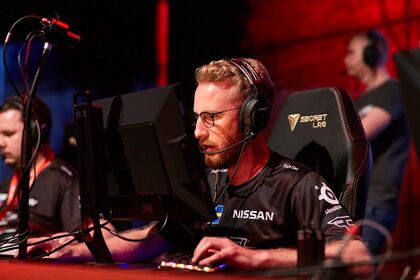 olofmeister@olofmeisterMajor Champion
...Super nice guy and did some magic on my PC... From dropping down to 150-200 to stable over 300. If you need to optimize your PC, this is the guy to contact <3
 friberg@fribergCSMajor Champion
Thank you @fREQUENCYCS for optimizing my pc , now game feels very smooth and no fps drops😊
 w0nderful@w0nderfulofMajor Champion
Ive gotten help by the awesome @fREQUENCYCS with my PC. I have been sceptical regarding these type of things but oboy does it feel hella smooth now...
 f0rest@f0restMajor Champion
Late but never forgotten! @fREQUENCYCS helped me with my PC issues revolving around BSODs and CS2 performance and he's highly recommendable! Fast, efficient and very friendly!
 dupreeh@dupreehMajor Champion
got 2 days off after a long grind, but CAN'T STOP playing after @fREQUENCYCS worked his magic on my pc, smooth as butter 🤤
 jL@jLcsgo_Major Champion

Just got @fREQUENCYCS to fix my pc at weplay with obs eating 100fps and crashing lmfao actual godsend. Pay this man to optimize ur pc for cs
 launders@launders
huge thanks to @fREQUENCYCS, I feel the game smooth af, really humble and nice guy. highly recommend him ❤️
 NertZ@NertzCS
Mr. @fREQUENCYCS made my pc setup go from eh to WTF?! thank you, i can actually play csgo now.
 dima_wallhacks@dima_wallhacks
just got buffed by @fREQUENCYCS boy, thanks brudda my PC hella smoothie now 🧋
 STYKO@STYKOcs
Trusted by Top CS Talent
and Creators
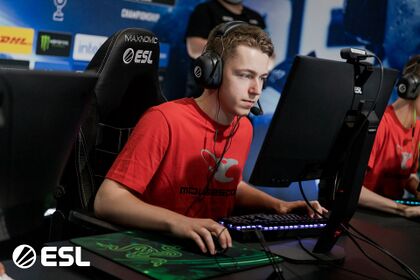
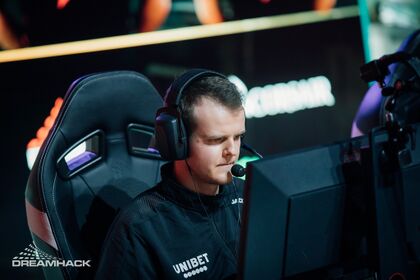
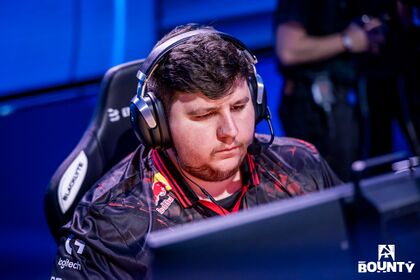
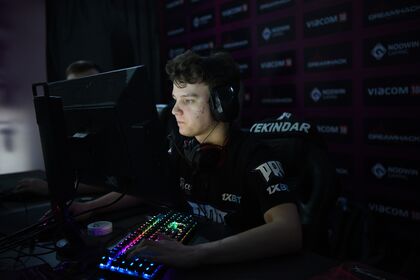
And more
See how we approach performance
Detailed testing, reproducible steps and the reasoning behind the settings we use.
Consultations starting from €5
Not sure how deep to go? Start with the €5 evaluation and we'll tell you exactly what your system needs.
15-Min Evaluation
Is your system even worth optimizing? A quick assessment before your purchase.
Start here →TinyBoost
PC Tune's little brother. A clean debloated OS and complete BIOS setup.
Book TinyBoostFrequently Asked Questions
- How does overclocking work in your consults?
- For example, on a 13900K we set the clock speed to the maximum factory-rated clocks, never beyond them. The same applies to your RAM: we do not exceed its XMP speed, but we tighten its timings. For AMD systems we use PBO only, and have never used ECLK. We respect the limits of the silicon and never push beyond its capabilities.
- Is my hardware worthy enough of a FPSHEAVEN consult?
- We only take on systems where we can deliver a meaningful improvement. If your hardware is too old to benefit in a real way, we will tell you honestly and may decline the order rather than take your money for little gain. If you are unsure, message us with your specs before booking and we will let you know.
- Do you work with players worldwide?
- Yes. Location is not an issue. We service clients worldwide. Sessions run Monday to Friday, 1PM to 7PM EET.
- Will the optimization wear off over time?
- No, never. Windows and BIOS settings do not disappear or change by themselves, unless you change something yourself.
Schedule your
call today
15-min evaluation €5 · full packages €50 to €250 · see all packages